XFly
Xbox Cloud Gaming, as a console — not a browser tab.
A free, open-source Windows client for xCloud. It plays your Game Pass library on your own screen with your own controller, and gets out of the way.
Get XFly from GitHub Releases An unsigned Windows installer and portable exe, built by GitHub Actions from the source in this repository. Free and open source. Requires Xbox Game Pass Ultimate.1440p in. 4K out.
Xbox Cloud Gaming streams at up to 1440p, and on a 4K screen that normally means a 1440p picture stretched to fit. Every NVIDIA RTX card since the 20 series has Video Super Resolution on it, and AMD ships Video Upscale in Adrenalin. XFly has full built-in support for both: your card rebuilds each frame up to your screen's real resolution, on hardware that is idle anyway, so it costs no frames.
| Without | With XFly | |
|---|---|---|
| What arrives | up to 1440p | up to 1440p |
| What a 4K screen shows | 1440p, stretched | rebuilt to 4K, by your GPU |
| Frame rate | 60fps | 60fps — the upscale is free |
| On a bad night | blocking, smearing | cleaned before it is scaled |
What you get

A sharper picture
Your RTX or Radeon does the work. 1440p that actually looks like 1440p — or 4K, if that is your screen.

Clean on a bad night
No blocking, no smearing around the edges — with or without a fancy card.

The resolution you chose
And it stays there. No quiet slide down to 720p halfway through. Nothing to configure.

Works in your country
Not on Microsoft's list? It still works.

Controller only
Every screen, every menu. You will never reach for the mouse.

Two pads, two players
Local co-op, the way it is supposed to be.

Your language, already set
Ten of them, picked up from your machine. Nothing to configure.

No website
Your game fills the screen. That is the whole thing.
Screenshots
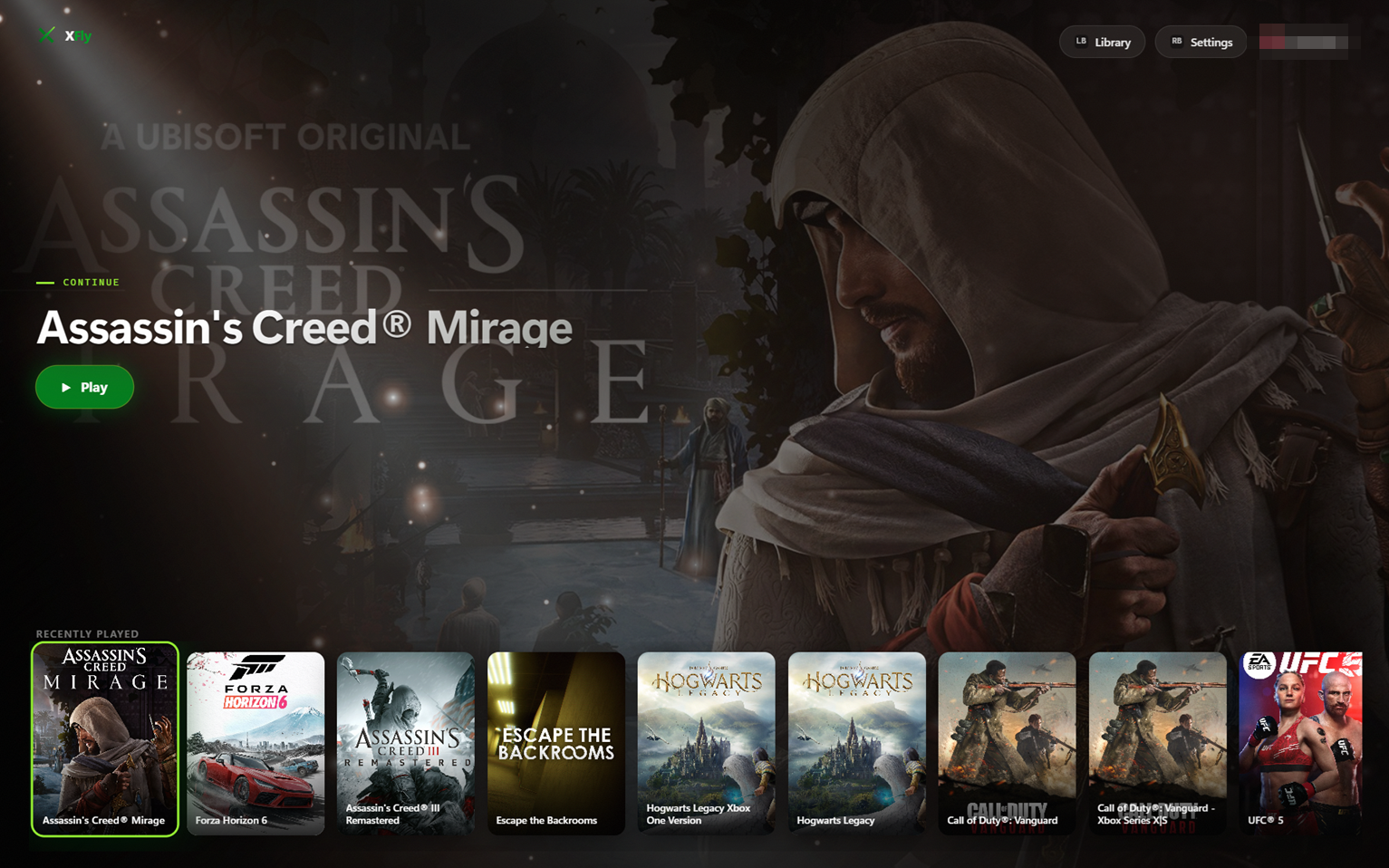
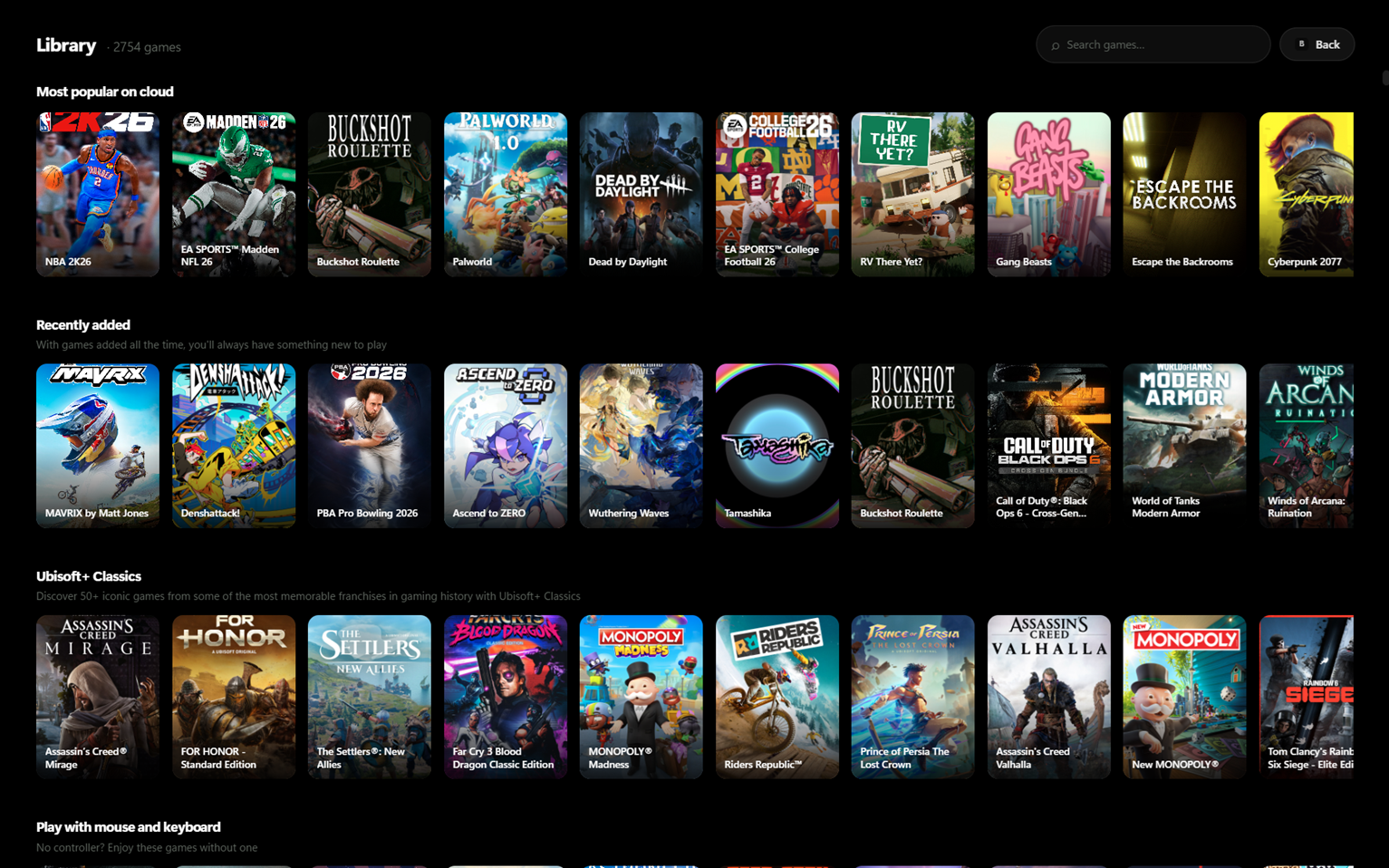
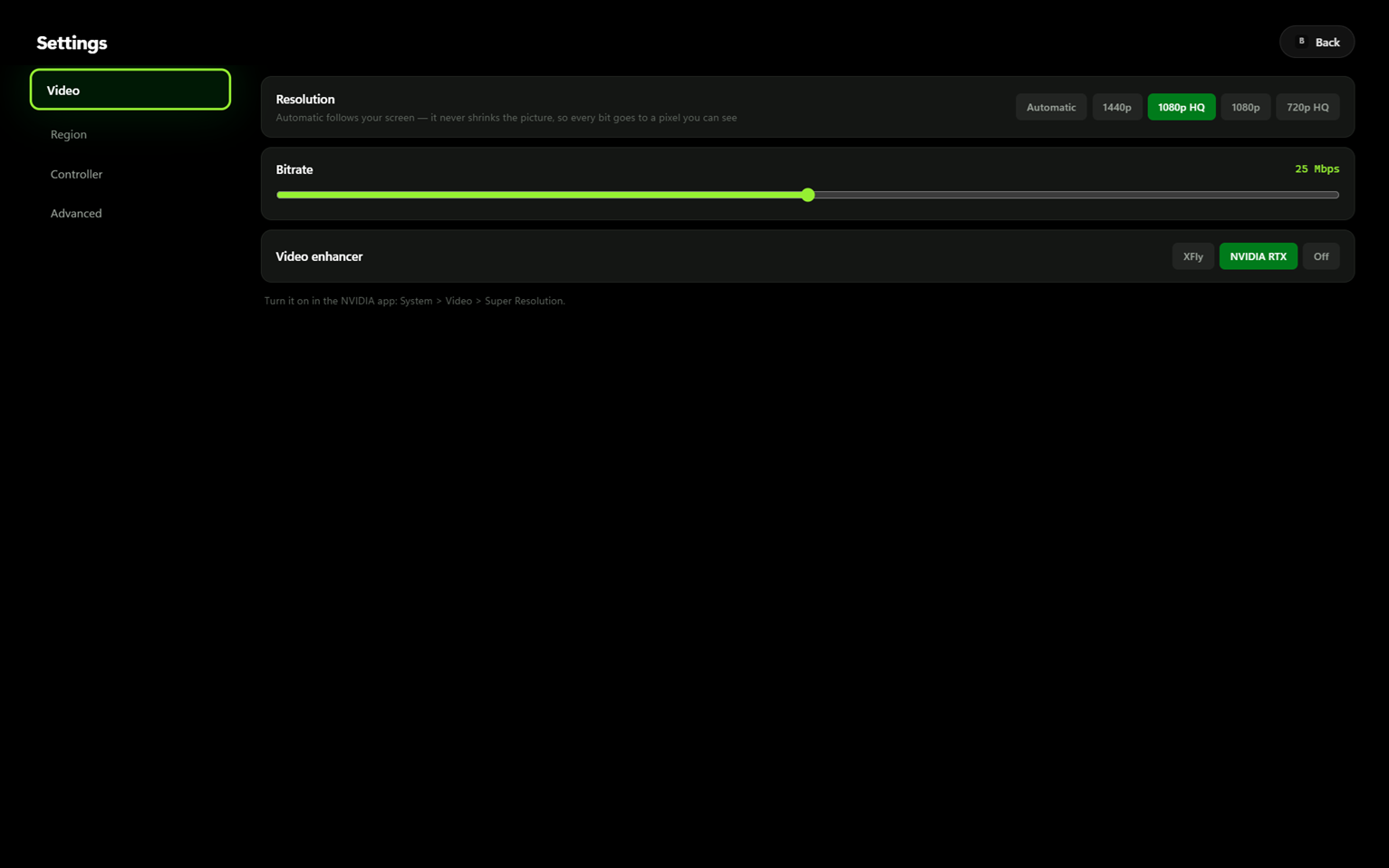
Getting it
Download the installer or the portable exe from the latest release, run it, and sign in with your Microsoft account. Both keep themselves up to date.